



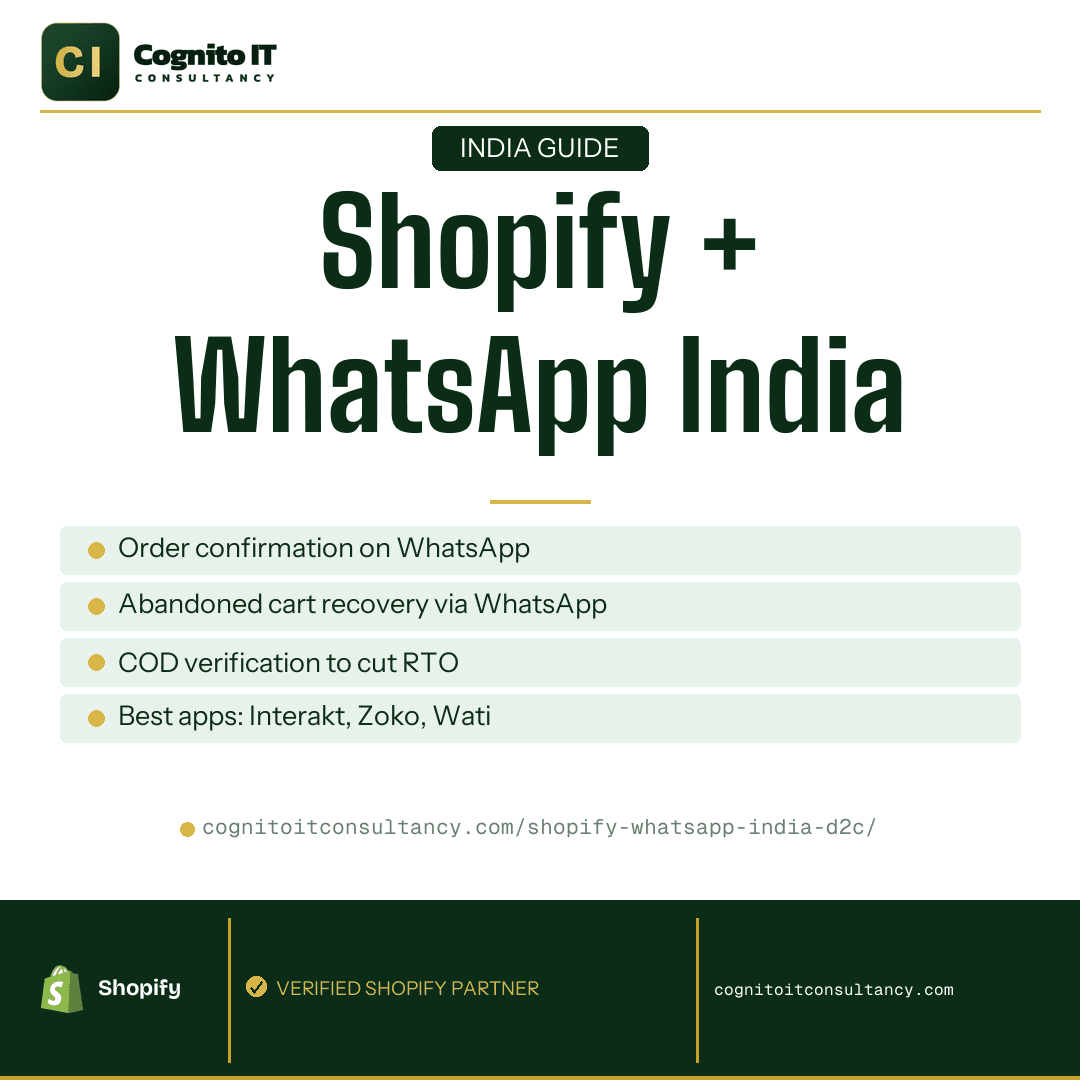
Here’s a stat that should make you rethink your email strategy
Last month, we helped a Jaipur-based ethnic wear brand switch their post-purchase communication from email to WhatsApp. Their order confirmation open rate jumped from 18% to 94%. Not a typo. Ninety-four percent.
If you’re running a D2C brand in India and still treating email as your primary customer communication channel, you’re essentially sending messages into a void. Your customers check WhatsApp 23 times a day. They check email maybe once, if you’re lucky, and probably just to archive promotional clutter.
This is the reality of Shopify WhatsApp integration India. It’s not a nice-to-have anymore. It’s table stakes for any brand serious about conversions, retention, and reducing those painful RTO numbers.
I’ve set up WhatsApp flows for probably 40+ Shopify stores over the past two years. Here’s everything I’ve learned about what actually works and what’s a waste of your money.
What You Can Actually Automate (And What You Should)
When people ask about WhatsApp automation, they usually think of one thing: blasting promotional messages. That’s actually the least valuable use case. Here’s what moves the needle:
Order Confirmations That Get Seen
The moment someone places an order, they want reassurance. Did it go through? When will it ship? An email sits unopened. A WhatsApp message gets read within three minutes and often gets a reply (“Thanks!” or a follow-up question). This alone reduces your support ticket volume.
Shipping Updates That Prevent “Where Is My Order” Calls
Connect your logistics partner, whether that’s Shiprocket, Delhivery, or whoever you’re using, to trigger WhatsApp updates at key milestones. Dispatched, out for delivery, delivered. We’ve seen brands cut their WISMO (where is my order) queries by 60% just from this.
Abandoned Cart Recovery That Actually Converts
This is where the money is. Abandoned cart emails convert at 2-3% for most Indian D2C brands. WhatsApp recovery messages? We’ve seen 15-25% conversion rates when done right. The key is timing: send the first message within 30 minutes, not 24 hours later.
COD Verification
If you’re doing COD (and in India, let’s be honest, you probably are), this is non-negotiable. A simple WhatsApp message asking “Hi [Name], please confirm your order for ₹[Amount] by replying YES” catches fake orders, wrong addresses, and impulse purchases that would have bounced anyway. More on this below. It deserves its own section.
Interakt vs Zoko vs Wati: An Honest Comparison
Every week someone asks me which WhatsApp app they should use. Here’s the thing: they’re all decent, and the “best” one depends on your specific situation. But I do have opinions.
Interakt
This is what I recommend to most brands doing under ₹50L/month. It’s built by Jio Haptik, which means reliable Indian support and they understand local business needs. The Shopify integration is smooth, pricing is transparent (starts around ₹2,499/month), and the abandoned cart flows are easy to set up without technical help. The dashboard could be more intuitive, but you’ll figure it out in a day.
Zoko
If you have a small team handling support and want everyone working from a shared inbox, Zoko makes sense. It’s more of a WhatsApp CRM than just a notification tool. Pricing is higher, and I find the Shopify sync occasionally lags. But the team inbox feature is genuinely useful for brands with 3+ people on support. Better for brands doing ₹1Cr+ monthly.
Wati
Solid middle ground. Good automation, reasonable pricing, decent support. If Interakt doesn’t click for you, try Wati. Their flow builder is actually more visual and easier for non-technical founders. The one complaint I hear is that their WhatsApp approval process for templates takes longer than competitors.
My honest take: Start with Interakt. If you outgrow it or need advanced CRM features, migrate to Zoko. Don’t overthink this. All three will do the job for basic order notifications and cart recovery.
Setting Up WhatsApp Order Notifications: Step by Step
Let’s walk through this with Interakt, since that’s what most of our clients use. The process is similar for other apps.
Step 1: Get Your WhatsApp Business API Access
You need a WhatsApp Business API account, which is different from the regular WhatsApp Business app on your phone. Interakt (or whichever platform you choose) handles this through Meta’s partner program. You’ll need a Facebook Business Manager account and a dedicated phone number. Don’t use your personal number. Get a new one specifically for business communications.
Step 2: Connect to Your Shopify Store
In Interakt, go to Integrations → Shopify → Connect Store. You’ll authorize via OAuth. If you need help with API connections more broadly, we’ve written a detailed Shopify API integration guide that covers the technical basics.
Step 3: Create Your Message Templates
WhatsApp requires pre-approved message templates for automated notifications. You can’t just send whatever you want. This is actually good, as it prevents spam. Create templates for:
- Order confirmation: Include order number, items, total amount, and expected delivery window. Keep it under 100 words. Nobody wants to read a paragraph.
- Shipping confirmation: Order number, tracking link (this is the important one), courier name, and estimated delivery date.
- Out for delivery: Short and sweet. “Your order #1234 is out for delivery today! Someone should be available to receive.”
- Delivered confirmation: Optional but nice. Also a great place to ask for a review or feedback.
Step 4: Set Up Automation Triggers
Map each template to the corresponding Shopify event. Order placed → order confirmation template. Fulfillment created → shipping template. Most apps have pre-built triggers, so this is just dropdown menus.
Step 5: Test Before Going Live
Place a test order yourself. Every single time. I’ve seen stores go live with broken variables, “Hi {{customer_name}}” instead of “Hi Priya.” Embarrassing and avoidable.
WhatsApp Abandoned Cart Recovery: The Flow That Pays for Itself
This is where WhatsApp order notifications Shopify becomes a genuine revenue driver, not just a support tool.
Here’s the sequence we set up for most clients:
Message 1, 30 minutes after abandonment:
Casual, helpful tone. “Hey [Name], looks like you left some items behind! Your [Product Name] is still waiting. Complete your order here: [Link]” No discount yet. About 40% of your recoveries happen from this first message alone.
Message 2, 4 hours after abandonment:
Create slight urgency. “Quick reminder: your cart with [Product Name] is still saved. We don’t hold inventory forever, so grab it before it’s gone: [Link]” Still no discount.
Message 3, 24 hours after abandonment (optional, with discount):
Now you can offer something. “Last chance! Use code COMPLETE10 for 10% off your order. Your [Product Name] misses you: [Link]” Only send this if they haven’t converted from the first two.
The mistake I see constantly: brands leading with the discount in message one. You’re training customers to abandon carts. Don’t do this.
Also, make sure your cart recovery links actually work and include the items. This sounds obvious but I’ve audited stores where the “complete your order” link just went to the homepage. Test. Everything.
For broader tips on improving your checkout flow, our CRO strategies guide covers what else you should be optimizing.
COD Verification: How We Helped a Brand Reduce RTO by 28%
Here’s a real scenario from three months ago. A Tier 2 city brand selling home decor was seeing 35% RTO on COD orders. That’s brutal. You’re paying for shipping twice on a third of your orders, plus the returned inventory often can’t be resold.
We implemented a simple WhatsApp D2C India verification flow:
- Immediately after a COD order is placed, the customer receives: “Hi [Name]! Your order for [Product] worth ₹[Amount] is confirmed. Please reply YES to verify, or CANCEL if this wasn’t you.”
- If no response within 2 hours, send a reminder: “We’re ready to ship your order! Please reply YES to confirm your address: [Address]. Reply CHANGE if you need to update anything.”
- No confirmation within 6 hours? The order gets flagged for manual review before shipping.
Result: RTO dropped from 35% to 25% in the first month. That’s a 28% reduction. On their order volume, this saved them roughly ₹2.4L in wasted shipping costs per month.
The insight here: people who reply are committed. The non-repliers are your high-risk orders. You’re not blocking sales. You’re filtering out the orders that would have bounced anyway.
One caveat: If you’re getting your payment gateway set up, make sure your Razorpay integration is configured to default to prepaid for certain cart values. Some brands offer COD only below ₹1,500. That alone cuts RTO significantly.
WhatsApp Broadcasts for Promotions: What You Can Actually Do
This is where people get confused, or get their accounts banned.
WhatsApp is strict about promotional messages. You can only send broadcasts to users who have opted in, and you must use approved templates. Random promotional blasts = account suspension. Meta doesn’t mess around with this.
What’s allowed:
- Sale announcements to customers who’ve explicitly opted in (checkbox during checkout, separate opt-in campaign).
- Back-in-stock notifications for products they’ve shown interest in.
- New collection launches to your subscriber list.
- Exclusive offers for repeat customers. This one performs really well.
What’s not allowed:
- Buying phone number lists and blasting them. Don’t even think about it.
- Adding people to broadcasts just because they placed an order. They must explicitly opt in to marketing.
- Sending more than 2-3 promotional messages per week. You’ll see opt-out rates spike.
The smartest approach: Build your broadcast list through a dedicated campaign. “Get exclusive early access to our Diwali sale. WhatsApp us ‘JOIN’ to subscribe.” This gets you high-intent subscribers who actually want your promotional messages.
Metrics Worth Tracking
Don’t just set up WhatsApp and forget about it. Here’s what we look at in monthly reviews with clients:
- Delivery rate: Should be 95%+. Lower means you have phone number quality issues or people are blocking you.
- Read rate: Expect 85-95% for transactional messages. If you’re below 80%, your message timing or content needs work.
- Cart recovery conversion: We aim for 15%+ from the entire sequence. Below 10% means your flow needs tweaking.
- COD confirmation rate: What percentage of COD customers reply YES? Benchmark is 70-80%. Below that, simplify your message.
- Opt-out rate for promotions: Keep this under 2% per campaign. Above that, you’re messaging too often or the content isn’t relevant.
- Customer response rate: Are people replying to your messages? High response rates indicate engagement, not just passive viewing.
A good store design with clear opt-in flows will improve all of these metrics. It starts at the checkout experience.
The Bottom Line
WhatsApp isn’t the future of D2C communication in India. It’s the present. Your customers are already there. The question is whether you’re meeting them with timely, relevant messages or letting them wonder where their order is while ignoring your emails.
The ROI math is simple: A good WhatsApp setup costs ₹3,000-8,000/month depending on volume. A single prevented RTO saves you ₹150-300. A single recovered cart is worth ₹1,500-5,000+ in revenue. You’ll be in profit within the first week of setup.
The brands winning in Indian D2C aren’t necessarily the ones with the biggest ad budgets. They’re the ones who’ve nailed their post-purchase experience. WhatsApp is the backbone of that.
Want us to set this up on your store? Book a free Shopify audit →