



Quick Summary:
Shopify marketing automation helps online stores automate customer journeys, from welcome messages and product follow-ups to abandoned cart reminders and repeat-purchase campaigns. With the right automation setup, businesses can save time, engage customers at the right moments, and encourage more repeat sales without managing every campaign manually.
What Is Shopify POS Integration and Why Do You Need It?
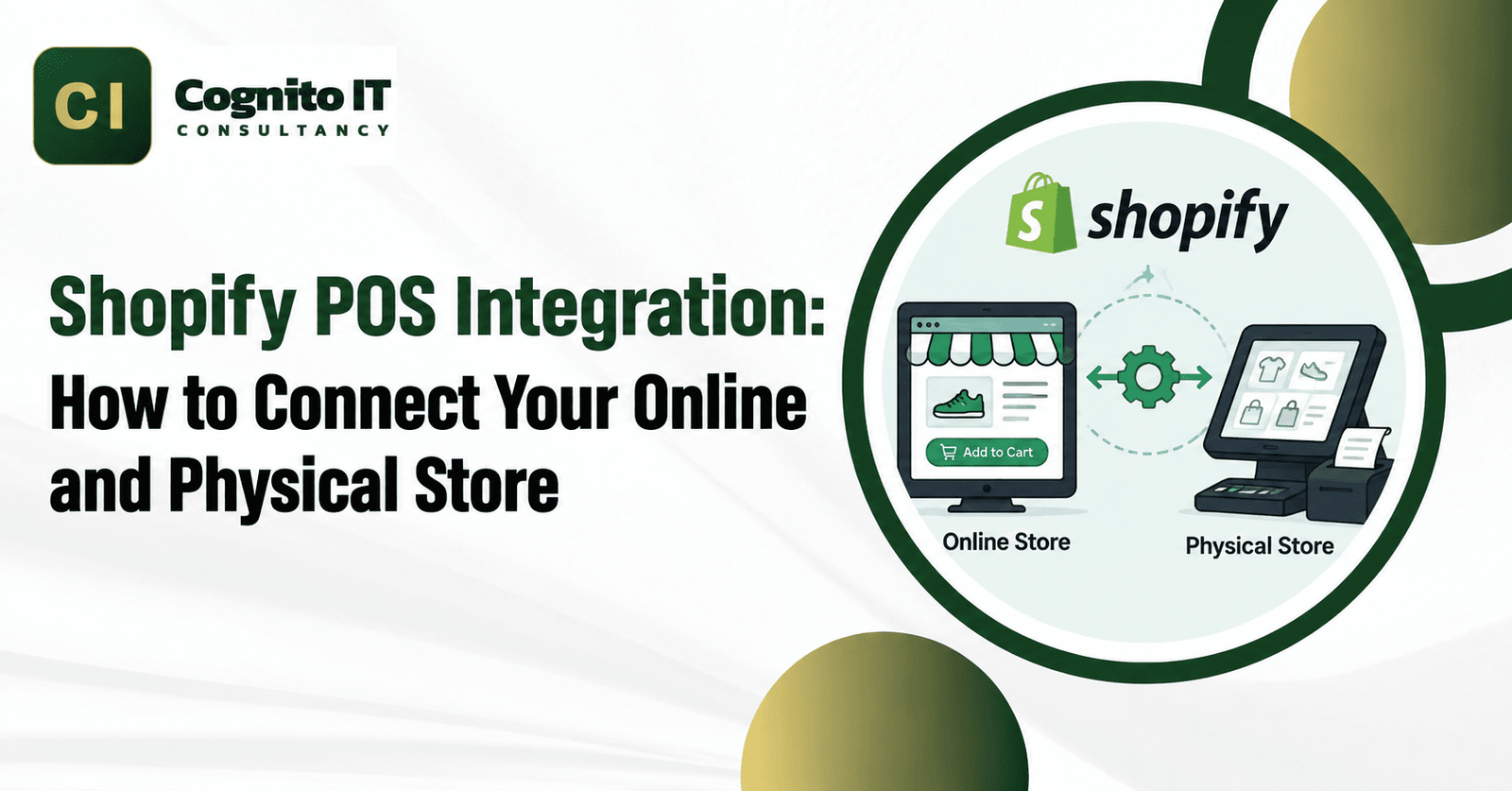
A Shopify POS integration links your store cash register hardware to your main web store database. Instead of running separate records, store operations share one clear system for customer details and order logs while keeping physical and online stock counts separate by location.
Without a proper Shopify POS integration, physical store sales leave online stock counts wrong until someone updates them by hand. Setting up a reliable Shopify POS integration lets store cashiers view web customer profiles and check product availability instantly right from the counter.
Native Shopify POS vs. Third-Party vs. Custom Integration
Knowing the difference between built-in store features, extra apps, and custom coding helps keep your retail setup simple and clear.
- Native Shopify POS: The built-in point-of-sale app, hardware tools, and multi-location setup made by Shopify to run in-person sales right out of the box.
- Third-Party Integration: Extra software connectors that link your Shopify POS data to external business management tools, customer databases, or accounting programs.
- Custom Integration: Tailored coding using Shopify APIs and webhooks to build special data bridges for unique business rules.
How Shopify POS Syncs With Your Online Store
When a customer buys something at the cash register, the Shopify POS app sends order and stock data straight to your central admin backend.
- Barcode scanners read product tags to load the right item choices onto the register screen.
- Payment card readers process chip, tap, or cash transactions safely.
- The system logs the sale against that specific physical store location number.
- Central inventory databases update automatically to show the new in-store purchase.
How Shopify POS Handles Multiple Store Locations
Managing stock across different physical shops and warehouses needs careful setup inside your main Shopify admin panel.
- Shopify uses unique location numbers to keep stock levels separate across different physical buildings.
- POS app settings decide which specific store location fulfills walk-in counter sales.
- Retailers can choose which locations share stock with online buyers, keeping items saved for physical stores from selling on the web.
What Happens When a Product Sells Online and In-Store Concurrently?
When the same item sells online and at a physical register at the exact same time, Shopify updates stock based on location and fulfillment rules. Overselling can still happen depending on stock numbers, location choices, and order routing, so shop owners should always test busy sales days before launching.
Shopify POS API Integration for Custom Requirements
Developers and tech experts use Shopify APIs and webhooks to add special features to a standard Shopify POS integration setup.
- Shopify Admin API & GraphQL: Pulls customer files, stock levels, and store locations with exact searches for custom dashboards.
- Webhook Subscriptions: Shopify webhooks notify an outside app when store events happen, such as a new order or a stock change.
- Middleware Synchronization: An extra integration app takes that message and updates your connected business software without breaking standard store checkouts.
Can Shopify POS Connect to an Existing ERP?
Growing stores often connect their Shopify POS setup to external business planning software, warehouse apps, and accounting tools.
External SystemIntegration PurposeData Synchronization FlowERP PlatformsCentral enterprise stock trackingPOS sales sync to ERP stock tablesWMS SolutionsWarehouse picking and packingFulfillment updates push back to ShopifyAccounting ToolsMoney tracking and tax reportsDaily shift sales reports export automatically
Custom middleware or API connectors bridge Shopify POS data with enterprise platforms when native features require specialized extension.
Shopify POS Hardware Requirements
Accepting card payments and printing paper receipts at a physical retail counter requires certified physical equipment.
- Receipt printers: Connect via Bluetooth or cables to print customer purchase summaries.
- Barcode scanners: Scan item barcodes to pull up prices and sizes instantly.
- Cash drawers: Open automatically when cash sales finish at the register.
- Payment terminals: Process tap, chip, and mobile phone credit card payments safely.
How Customer Profiles and Purchase History Sync
Connecting physical registers to your main database lets store staff attach walk-in shoppers to saved customer accounts.
- Cashiers search customer names, emails, or phone numbers on POS screens.
- Staff can link a store purchase directly to an existing customer profile.
- Extra purchase history, reward points, or marketing messages depend on your Shopify settings and connected apps.
Shopify POS Offline Mode: What Actually Happens?
When internet service drops at a retail shop, a Shopify POS integration handles sales using special offline backup features.
Shopify POS can support offline card payments when offline payments are turned on in the Shopify admin and you use the right hardware, staff permissions, and spending limits. Card payments finish processing after the POS device goes back online. Note that some features do not work offline, such as customer search, account creation, exchanges, returns, and voids.
Example Shopify POS Integration Architecture
An example technical setup shows how custom middleware connects store hardware with business software:
Shopify POS Terminal (In-Store)
↓
Shopify Admin & Location Inventory
↓
Shopify Webhook Subscriptions (inventory/orders)
↓
Custom Middleware / Integration Service
↓
External ERP / WMS / Accounting / CRM
How Cognito IT Handles Shopify POS Integrations
Cognito IT follows clear engineering steps to connect retail hardware, multi-location stock, and external business software during a Shopify POS integration project.
- Discovery & Audit: We check your daily store steps, product list sizes, old software limits, and location shipping rules.
- Store & Location Mapping: We link each Shopify location to the right physical shop or warehouse and check which sites ship online orders.
- Hardware Configuration: We set up certified card readers, barcode scanners, and receipt printers.
- ERP/WMS Mapping: Product codes, stock numbers, orders, and shipping status are matched between Shopify and your business software before turning on the sync.
- API & Webhook Implementation: We program custom event alerts and secure webhook links for real-time data updates.
- Error Handling: We build automatic retry tools and backup steps for internet drops.
- Testing & Launch: We run full test checks in a safe sandbox before launching your live store counters.
Shopify POS Integration Checklist
Check these important tech steps before launching a multi-channel retail shop setup.
- Test your internet speed and Wi-Fi or cable setups for payment card readers.
- Make sure physical store location numbers match your inventory rules in Shopify admin.
- Turn on offline payment settings and set spending safety limits ahead of time.
- Give proper staff roles and permissions for register overrides and stock changes.
- Test webhook links and API speed limits in a developer test environment.
Need a custom Shopify POS integration for your retail business? Cognito IT builds tailored synchronization workflows to connect your physical registers and web store.
Contact the team at Cognito IT Consultancy or call +91 81477 17676 📞 to talk about your store.
Click here to get the best Shopify CRO Services to increase conversions. Also get Shopify SEO, Store Setup, Theme Customization, and Migration Services.
Follow us on Facebook and Instagram for more tips and updates.
Frequently Asked Questions
1. What is Shopify POS integration?
A Shopify POS integration connects physical store checkout registers to your online store database for unified sales and stock tracking.
2. How does Shopify POS sync inventory across locations?
It assigns specific physical store location numbers to maintain and deduct stock counts separately for each designated building.
3. Can Shopify POS operate without internet access?
Yes, a Shopify POS integration can support offline card payments when offline payments are turned on in Shopify admin, processing sales after the device reconnects.
4. How do customer profiles sync between online and retail stores?
Cashiers search customer accounts by phone or email on POS screens, linking physical purchases directly to online customer profiles.
5. Why choose Cognito IT for your project?
Cognito IT builds custom Shopify POS integration solutions tailored to your exact warehouse, hardware, and ERP architecture. Contact Cognito IT today at +91 81477 17676