
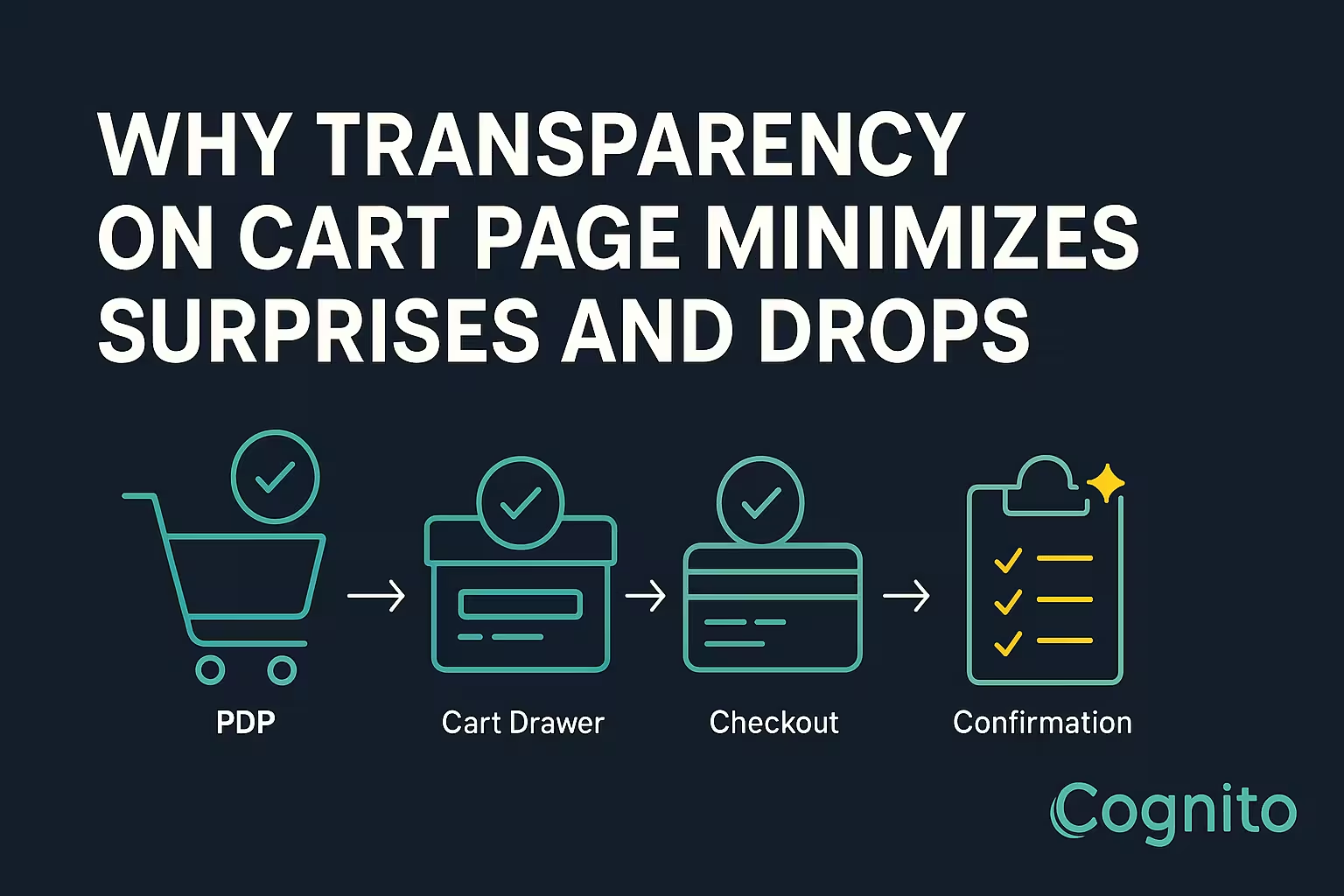
Why Transparency on Cart Page Minimizes Surprises and Drops
1. Introduction – The Hidden Cost of Hidden Costs
Every eCommerce brand obsesses over traffic, but few fix the real leak—checkout friction.
Across Shopify, cart abandonment averages 68-75 %, and one of the top causes is price surprises.
Shopify Cart Transparency means showing all costs upfront—taxes, shipping, discounts, and delivery times—so buyers never feel misled.
Transparent carts don’t just inform; they convert.
2. What Shopify Cart Transparency Really Means
Transparency is about clarity, not clutter.
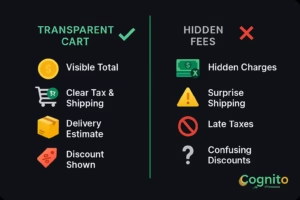
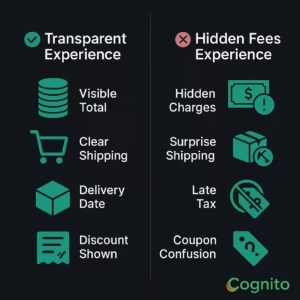
A transparent cart clearly displays:
- Product price per unit
- Taxes and shipping fees pre-checkout
- Discount logic (automatic vs manual)
- Estimated delivery date or range
When shoppers can see exactly what they’ll pay, they move forward confidently instead of abandoning in doubt.
3. Why Transparency Impacts Conversion Rate
| Cart Type | Conversion Rate | Abandonment |
|---|---|---|
| Transparent Cart | 3.8 % (avg.) | 48 % |
| Hidden Fees Cart | 2.4 % (avg.) | 67 % |
Transparent pricing reduces perceived risk, increases trust, and improves AOV because shoppers add more when they understand total cost early.
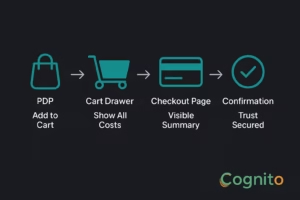
4. The Psychology Behind Transparency
- Expectation Matching: When what customers expect = what they pay, satisfaction rises.
- Loss Aversion: Hidden fees trigger loss response—people feel tricked.
- Predictability Bias: Visible totals create a sense of control.
- Trust Loop: Clarity → Confidence → Conversion → Loyalty.
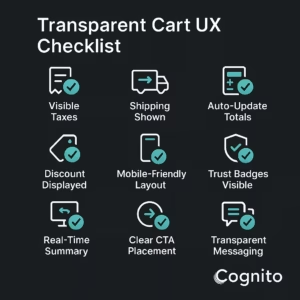
5. UX Guidelines for Shopify Cart Transparency
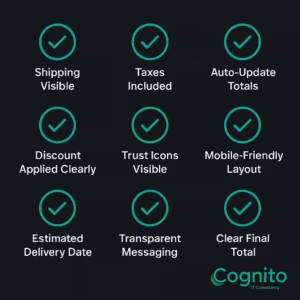
✅ Show shipping + taxes in cart, not checkout
✅ Auto-update totals when quantity changes
✅ Keep a sticky summary on checkout page
✅ Label discounts clearly (“Save 15 % — Auto Applied”)
✅ Use icons to explain free shipping or tax included
[Image Placeholder – “Transparent Cart UX Checklist”]
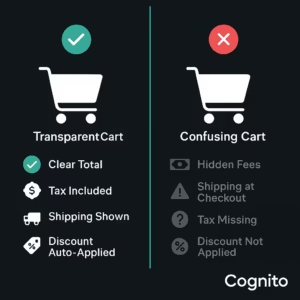
6. Examples of Transparency That Convert
1. Gymshark – shows delivery estimates and costs in cart.
2. Allbirds – highlights “Tax Included” below subtotal.
3. Beardbrand – displays discount logic and savings upfront.
Each brand reinforces buyer confidence before checkout.
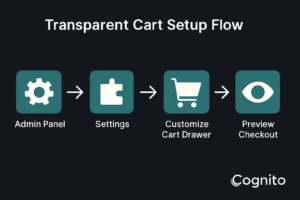
7. Implementing Transparency in Shopify
Step 1: Go to Shopify Admin → Settings → Checkout
Step 2: Enable tax and shipping calculations in cart
Step 3: Customize cart drawer template to show total breakdown
Step 4: Sync discount logic with PDP and cart
Step 5: Test mobile checkout for clarity
Use apps like Rebuy, CartHook, or Checkout Blocks for dynamic cost visibility.
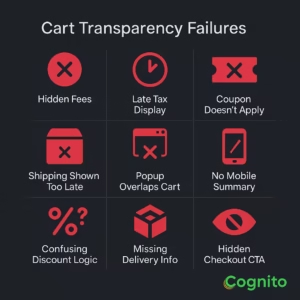
8. Common Mistakes That Break Transparency
❌ Hiding shipping until checkout
❌ Auto-adding tax post-subtotal
❌ Coupon fields that don’t update totals instantly
❌ Pop-ups blocking cart summary
❌ Mobile layouts hiding fees
9. CRO Checklist for Transparent Carts
| Element | Why It Matters |
|---|---|
| Visible Taxes + Shipping | Eliminates surprise costs |
| Clear Discount Label | Shows value earned |
| Delivery Estimate | Adds predictability |
| Mobile-First Cart | Ensures clarity on small screens |
| Trust Icons | Build confidence |
10. Case Study – Before and After Transparency
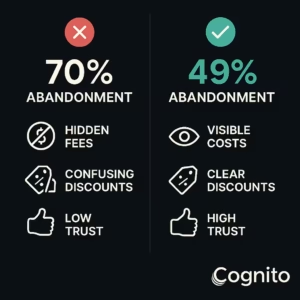
Before:
Conversion Rate 2.2 % | Abandonment 70 % | AOV $52
After Transparency Implementation:
Conversion Rate 3.5 % | Abandonment 49 % | AOV $59
→ +59 % lift in checkout completion
→ +13 % increase in AOV
11. How to Communicate Transparency Visually
- Use icons 🛒 💬 🔒 📦 to explain fees and delivery
- Include a “summary tooltip” for tax logic
- Keep cart summary persistent through checkout
- Highlight final price in larger font
- Avoid fine print — trust comes from clarity
12. Conclusion – Transparency Is Trust
When buyers see exactly what they’re paying, they feel respected—not trapped.
Shopify Cart Transparency doesn’t just reduce abandonment; it builds brand loyalty.
Transparency = Predictability = Conversion = Trust.
If you want help auditing or implementing transparent cart UX in your Shopify store:
→ Book a Free Cart Optimization Audit with Cognito.
📩 Get your free audit here: https://cognitoitconsultancy.com/
📧 Book a Strategy Call: sandy@cognitoitconsultancy.com
👉 Meet Now: https://cal.com/cognitoitconsultancy/30min
🔗 Shopify Experts: Click Here
Follow Us for More Insights on D2C and Digital Transformation
Stay ahead of the curve in e-commerce, digital strategy, and IT consulting by connecting with us on our social platforms:


13. FAQ
1. What is Shopify Cart Transparency?
Displaying all charges (taxes, shipping, discounts) upfront on the cart page.
2. Does it affect conversion rate?
Yes—transparent carts see 30–50 % higher checkout completion.
3. Can I enable it without Shopify Plus?
Yes—most themes and apps support cart breakdown sections.
4. Should I show shipping estimates on the PDP or cart?
Both—PDP sets expectation, cart confirms it.
5. What’s the biggest mistake brands make?
Hiding fees or auto-applying charges after subtotal—destroying trust.
6. How can I A/B test transparency impact?
Use Shopify A/B or Google Optimize—track checkout starts vs completions.
7. Is Shopify Cart Transparency good for mobile?
Absolutely—it simplifies decision-making for smaller screens.