
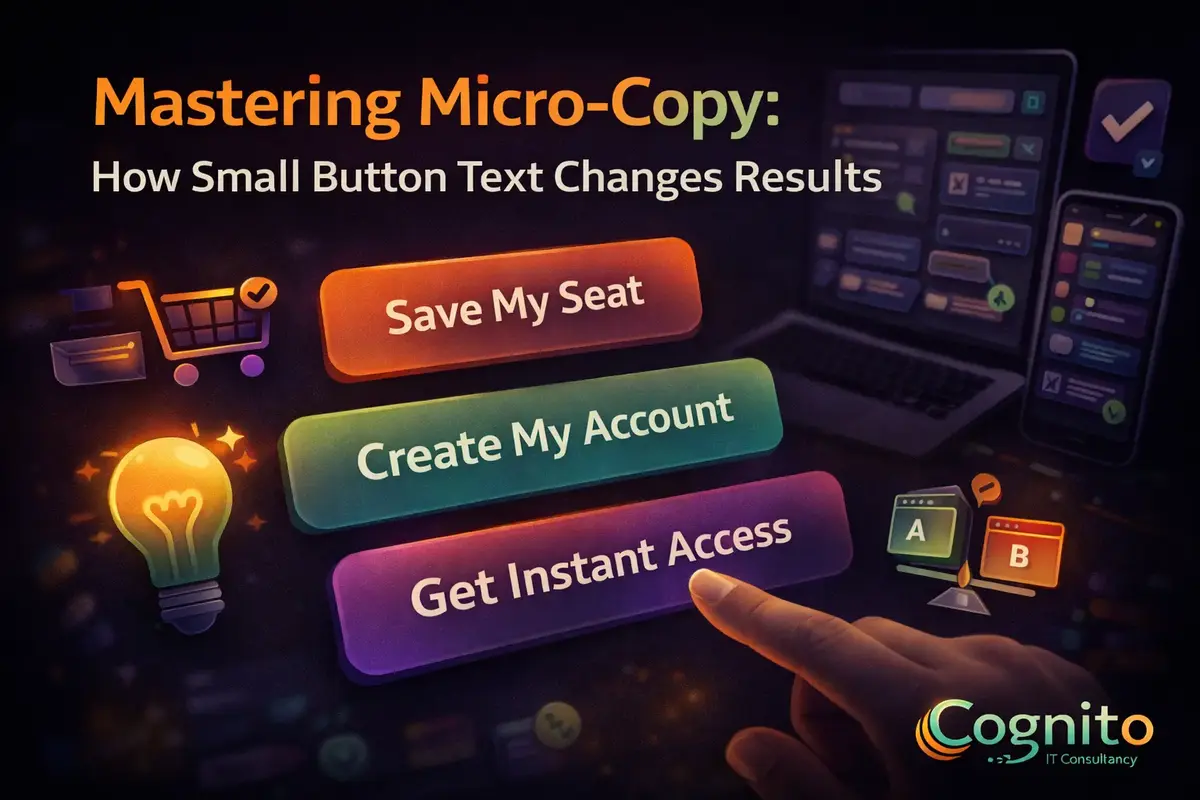
Mastering Micro-Copy: How Small Button Text Changes Results
Micro-copy plays a powerful role in digital experiences. Although it often goes unnoticed, micro-copy shapes decisions, reduces friction, and increases conversions. In fact, mastering micro-copy can dramatically improve results without redesigning an entire interface.
In this guide, you will learn how micro-copy influences behavior, why small button text matters, and how to use it effectively across websites and apps.
What Is Micro-Copy and Why Does It Matter
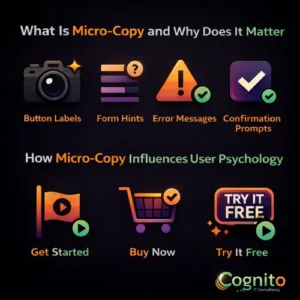
Micro-copy refers to the small pieces of text users interact with daily. These include button labels, form hints, error messages, and confirmation prompts. While short, micro-copy carries emotional and instructional weight.
When micro-copy is clear, users feel confident. As a result, hesitation drops and actions increase. However, when micro-copy is vague, users pause or abandon the task entirely.
Most importantly, micro-copy guides users at moments of decision. Therefore, it directly affects engagement and conversion rates.
How Micro-Copy Influences User Psychology
Micro-copy works because it speaks to human behavior. People want reassurance, clarity, and control. Well-written micro-copy delivers all three.
For example:
- “Get Started” feels safe and low commitment
- “Buy Now” feels urgent and transactional
- “Try It Free” reduces perceived risk
Because of this, micro-copy shapes how users feel before they act. Consequently, the right words can lower anxiety and build trust instantly.
Micro-Copy on Buttons: Small Text, Big Impact
Buttons are where decisions happen. That is why micro-copy on buttons deserves special attention.
Instead of generic labels, high-performing buttons use action-driven micro-copy. For instance:
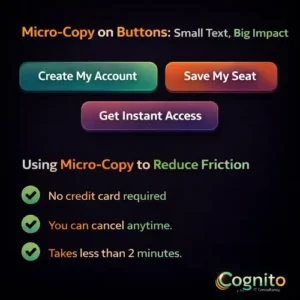
- “Create My Account” outperforms “Submit”
- “Save My Seat” feels more personal than “Register”
- “Get Instant Access” signals speed and value
When micro-copy aligns with user intent, clicks increase naturally. Moreover, clarity reduces cognitive load, which improves usability.
Using Micro-Copy to Reduce Friction
Friction occurs when users feel unsure. Micro-copy eliminates this by answering questions before they are asked.
Effective examples include:
- “No credit card required”
- “You can cancel anytime.”
- “Takes less than 2 minutes.”
These small phrases remove doubt. As a result, users move forward with confidence instead of hesitation.
Micro-Copy in Forms and Error Messages
Forms often fail because of poor communication. However, micro-copy can fix this quickly.
Helpful micro-copy:
- Explains why information is needed
- Clarifies formatting expectations
- Uses friendly error messages
Instead of saying “Invalid input,” try “Please enter a valid email address.” This approach feels supportive, not critical.
Because users feel guided, completion rates improve.
Best Practices for Mastering Micro-Copy
To master micro-copy, follow these proven principles:
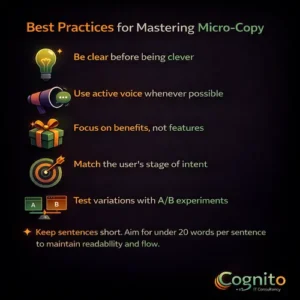
- Be clear before being clever
- Use active voice whenever possible
- Focus on benefits, not features
- Match the user’s stage of intent
- Test variations with A/B experiments
Additionally, keep sentences short. Aim for under 20 words per sentence to maintain readability and flow.
Common Micro-Copy Mistakes to Avoid
Even small mistakes can hurt performance. Therefore, avoid these common issues:
- Generic text like “Click Here.”
- Overly technical language
- Inconsistent tone across pages
- Too many exclamation points
Instead, let micro-copy feel natural and human. When it sounds like a real conversation, it performs better.
How to Measure Micro-Copy Performance
Micro-copy should always be tested. Use metrics such as:
- Click-through rate
- Form completion rate
- Bounce rate
- Time on page
By testing small changes, you can uncover insights quickly. Often, a single word change delivers measurable gains.
Future Trends in Micro-Copy and UX Writing
As AI and personalization grow, micro-copy will become more dynamic. Personalized button text and contextual messages will adapt in real time.
However, the goal will remain the same. Micro-copy must always guide, reassure, and motivate users with clarity.
Conclusion
Mastering micro-copy is not about writing more. Instead, it is about writing smarter. Small button text influences emotions, decisions, and trust. When done well, micro-copy turns hesitation into action.
If you want better results without major redesigns, start with your words. Because in UX, every word counts.
→ Get a Personalized Recommendation from Cognito.
📩 Get your free audit here: https://cognitoitconsultancy.com/
📧 Book a Strategy Call: sandy@cognitoitconsultancy.com
👉 Meet Now: https://cal.com/cognitoitconsultancy/30min
🔗 Shopify Experts: Click Here
Follow Us for More Insights on D2C and Digital Transformation
Stay ahead of the curve in e-commerce, digital strategy, and IT consulting by connecting with us on our social platforms:


